

Télécharger Microsoft 365 pour Windows
Téléchargez les installateurs complets originaux (.img) pour votre abonnement Microsoft 365 (Famille, Personnel, Business, Enterprise).
| Version du Logiciel | Système Requis | Format & Poids | Langue | Téléchargement |
|---|---|---|---|---|
|
Microsoft 365 Famille
|
Windows 11 / 10 |
Image disque (.img) · 5,4 Go | Français | |
|
Microsoft 365 Personnel
|
Windows 11 / 10 |
Image disque (.img) · 5,4 Go | Français | |
|
Microsoft 365 Business Standard & Premium
|
Windows 11 / 10 |
Image disque (.img) · 5,4 Go | Français | |
|
Microsoft 365 Apps for Enterprise
 Windows
Installation hors-ligne
Windows
Installation hors-ligne
|
Windows 11 / 10 |
Image disque (.img) · 5,4 Go | Français |
1
1. Téléchargez
Choisissez votre édition (Famille, Personnel, Business ou Enterprise) et téléchargez l’image d’installation (.img).
2
2. Installez
Double-cliquez sur le fichier .img pour le monter dans Windows, puis lancez Setup.exe pour démarrer l’installation.
3
3. Activez
Ouvrez une application (Word ou Excel) et connectez votre compte Microsoft lié à votre abonnement (ou entrez votre clé).
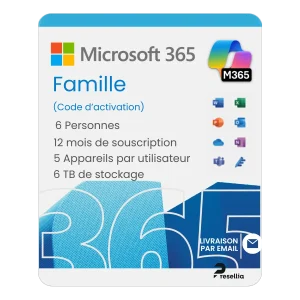
Abonnement Officiel
Besoin d’un abonnement Microsoft 365 ?
Bénéficiez des applications Office complètes (Word, Excel, PowerPoint, Outlook) toujours à jour avec 1 To de stockage cloud OneDrive inclus.
Autres logiciels
Vous cherchez un autre installateur ?
Retrouvez tous les autres téléchargements officiels et originaux pour vos licences Presellia.

Télécharger Microsoft Office pour Windows et Mac
Accéder au Hub →
Télécharger Microsoft Windows 11 et Windows 10
Accéder au Hub →

Télécharger les logiciels Kaspersky pour Windows, Mac et Android
Accéder au Hub →

Télécharger Microsoft Project et Visio pour Windows
Accéder au Hub →

Télécharger Windows Server et SQL Server
Accéder au Hub →

Boîte à Outils et Utilitaires indispensables
Accéder au Hub →